Malicious Juegas PS4 Message is Causing Consoles to Brick
By Nicholas Barth ·
PS4 players are being warned of a malicious message that causes console to brick and force a factory reset.
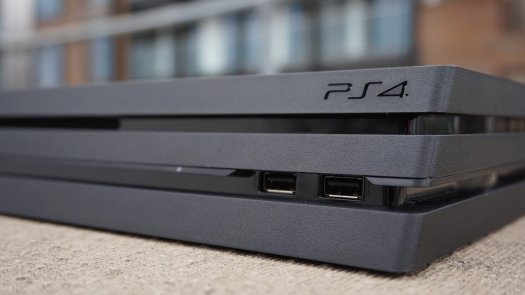
A major issue has now appeared in the video game community for Playstation 4 (PS4) players, as reports by PS4 users of accounts sending malicious messages that contain a certain code have been causing PS4 consoles to brick.
When the malicious message that has been seen to contain the word juegos along with other images is sent to a PS4 user it has the ability to brick the player's console which forces a factory reset to be done in order for the console to operate. Unfortunately, a factory reset restores the PS4 to how it was when it was first built and erases all of the data that was stored on it. Reports from users have also stated that even just receiving the notification of the malicious brick juegas message is enough to brick a console "depending on how much of the message it parses."
The issue of the malicious message that causes PS4 consoles to brick was brought into the spotlight by Reddit user Hunterstark who explained that they and their Rainbow Six: Siege teammates were victims of the brick message from a player on an opposing team.
"There is a new glitch that basically bricks your console and forces you to factory reset it. Even deleting the message from the mobile app doesn't work. It happened to me during Rainbow Six: Siege," said Hunterstark. "A player from the other team used a dummy account to send the message and crashed my entire team. We all have had to factory reset. Only one of our guys wasn't affected and he has his messages private."
You can find an example of one of the malicious brick messages that contained the phrase juegas below.

At the time of writing, Sony has not issued an official warning of the malicious brick message and it is currently unknown if a confirmed fix for the issue will be coming in the future. In order to best protect yourself from being a victim of this issue, PS4 users are being urged to set their messages to private to stop random accounts from sending them messages. You can find the process for how to set your PS4 messages to private below.
How to Set Your PS4 Messages to Private
Go to Settings > Account Management > Privacy Settings > Enter your password > Personal Info | Messaging, and set Messages to either Friends (if you trust them) or No One.
We will continue to update this article with more information regarding the malicious PS4 brick message issue when it becomes available.
H/T - VG247
(cover photo courtesy of Alphr)