How to Save in Fallout 76
By Nicholas Barth ·
How do you save in Fallout 76? This a question some have been asking with the release of Fallout 76, and we have everything you need to know regarding how to save in Fallout 76 covered.
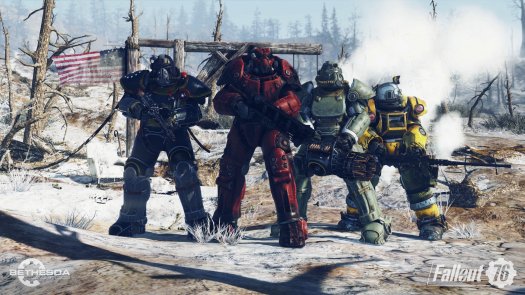
How do you save in Fallout 76? This is a question that has been on the minds of many players who have jumped into the online multiplayer world of Fallout 76 with its release on Wednesday, November 14th. With Fallout 76 and its online multiplayer focus being much different than the past titles in the popular Bethesda franchise, some members of the community have been curious as to how they can save their progress when compared to the likes of its predecessors.
If you are wondering how to save in Fallout 76, you have to come to the right post apocalyptic guide location, as we have all of the information you need to know in order to save in valuable progress covered below.
How to Save in Fallout 76
Luckily for the many vault dwellers who have begun their adventures in the wasteland, the newest title by Bethesda will automatically save your progress when you are playing and will allow you to begin your adventures right where you stopped during your previous playing session. While there is no manual way to save when compared to the likes of the third and fourth titles in the Bethesda franchise, there are a couple of precautions players can take in order to make sure that their Fallout 76 progress is properly protected.
One of these methods is to force the title to save your progress when you fast travel to a location on the map of the online multiplayer world, such as your C.A.M.P. When your character loads into the world of Fallout 76 after your fast travel has been completed the title will automatically update your progress up until that point.

With so many ferocious creatures in Fallout 76, players will be wise to make sure their game is saved before attempting to defeat them.
(Source: Bethesda)
Brave vault dwellers can also bring up their map of the world and make their way to the map's menu. Here an option to the quit the game will be available for you to choose. Choosing the quit game option on the menu of the game's map will ensure that your character has been safely removed from the particular Fallout 76 server you were playing on and that your progress up until the point you left the game has been protected.
Knowing how to save properly in Fallout 76 will allow you to go on your adventures exploring the new wasteland that Bethesda has created without fear of losing all of the hard work you have accomplished.
(cover photo courtesy of Bethesda)