Mortal Kombat 11 (MK11): How to Perform a Mercy
By Nicholas Barth ·
Are you curious about how to perform a Mercy in Mortal Kombat 11 (MK11)? We have everything you need to know regarding how to perform a mercy in Mortal Kombat 11 covered.
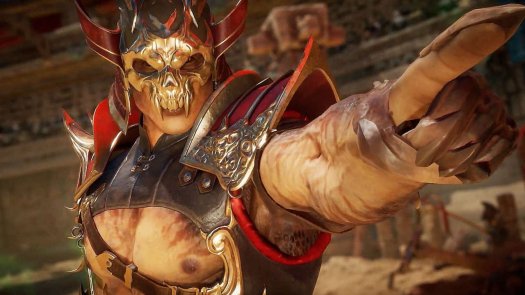
Mortal Kombat 11 (MK11) has plenty of unique and destructive ways that players can end a fight when they have secured a victory against their opponents. While Fatalities and Brutalities allow for Mortal Kombat 11 players to finish off their enemies in brutal fashion, MK11 players can also show a little empathy and perform a Mercy move. Giving your opponent some extra health and a second chance, knowing how to perform a Mercy in Mortal Kombat 11 can extend an adrenaline-fueled MK11 fight even longer.
How to Perform a Mercy in Mortal Kombat 11 (MK11)
The process for how to perform a Mercy is not a difficult one, as players only have to press a specific button instead of performing a Fatality or ending the fight with another strike. In order to use this particular move, players need to stand close to a half screen away from their defeated enemy. You will then need to press the Flip Stance button. The following inputs for the Flip Stance button on various platforms can be found below.
- Xbox One - LT
- PlayStation 4 - L2
- Nintendo Switch - ZL
- PC - U

While holding down the Flip Stance button, Mortal Kombat 11 players will then need to press down on the D-Pad if they are using a console or S on a keyboard a total of four times. Doing these steps will then cause your MK11 character to perform a Mercy and allow your fight to continue.
With the knowledge of how to perform a Mercy in Mortal Kombat 11, players will be able to extend each of their MK11 fights and stop the action from stopping sooner than they would like with the Mercy move. If you are looking for more help in navigating the world of the latest installment in the legendary fighting game franchise, be sure to check out all of our Mortal Kombat 11 guides for the popular title.