SteamOS Desktop Emergency: Restore Your Taskbar & Master Panels | Steam Institute 101
By NewsHound ·
New video: SteamOS Desktop Emergency: Restore Your Taskbar & Master Panels | Steam Institute 101.
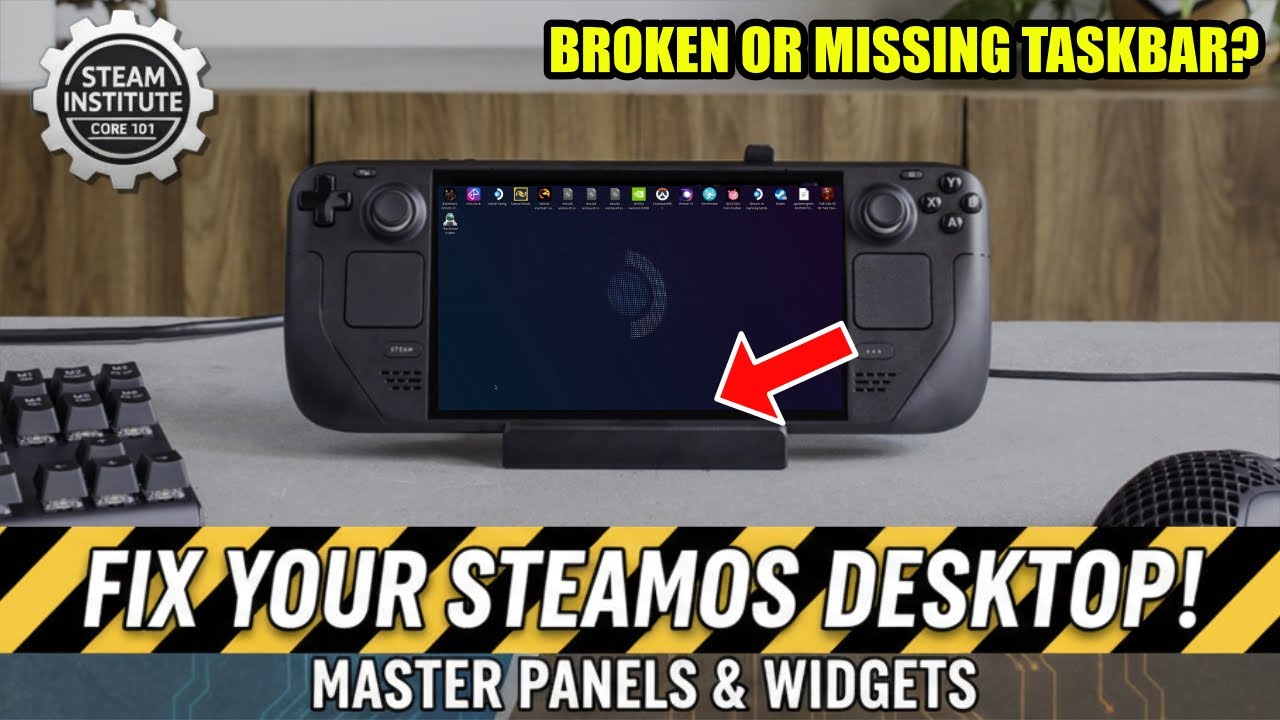
The video offers an emergency fix for missing taskbars and panels on SteamOS devices such as the Steam Deck, Legion Go S, and Steam Machines. It addresses deleted KDE Plasma taskbars that can render the desktop unusable. The tutorial walks viewers through restoring the desktop layout.
It also demonstrates how to reset the SteamOS desktop mode configuration using a command line option. Viewers learn to customize widgets and build a personalized taskbar from scratch. Desktop optimization suites like Microsoft Desktop Optimization Pack provide comparable utilities for Windows environments.
Uploaded today, the guide is part of the Steam Institute 101 series and aims to help users quickly recover their workspace. Following the steps restores the taskbar and enables further widget customization. The video serves as a practical reference for maintaining a functional SteamOS desktop.
Watch the step-by-step guide to restore your SteamOS taskbar now:
Comment highlights:
"Heeey C64 guy,, my hero.. i bought the oled 512 steamdeck.. man i should did this 3 years ago.. let me view your new flic mate cheers ears" - @joenymus