Install MX LINUX on your old Intel Macbook!
By NewsHound ·
Actionretro shows how to install MX Linux on an old Intel MacBook.
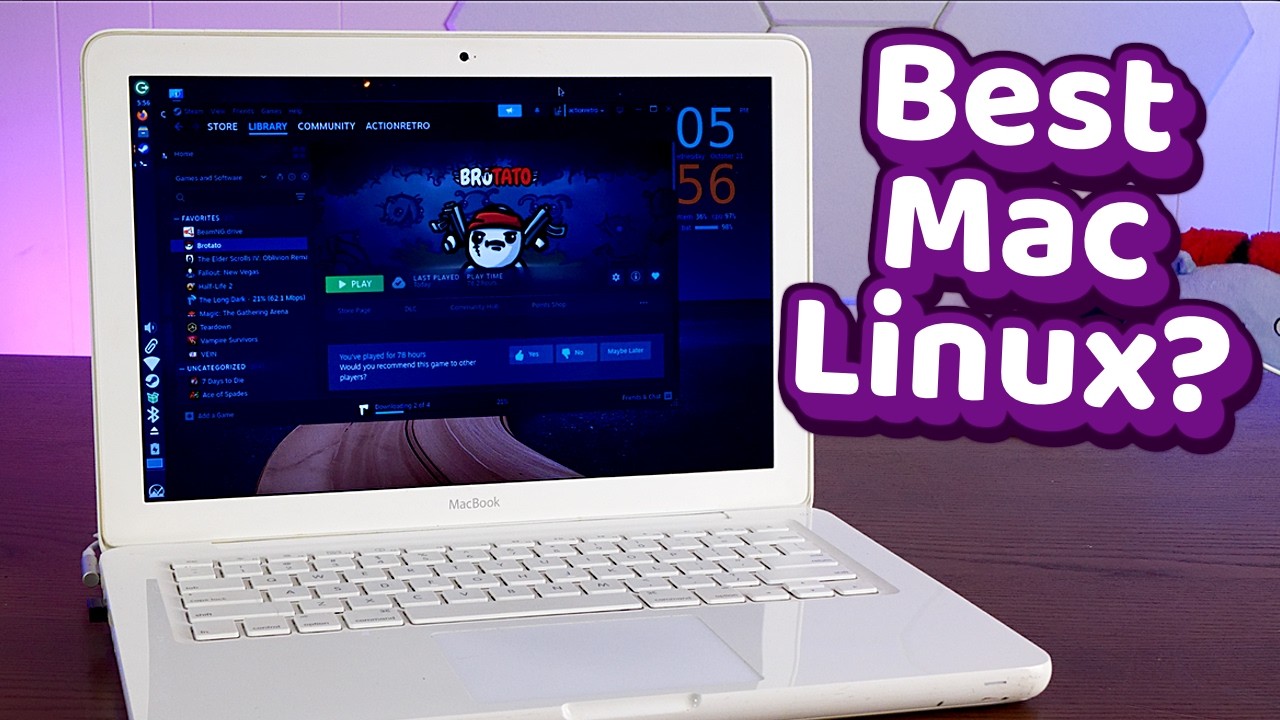
Actionretro walks through the process of installing MX Linux on an older Intel-based MacBook. The guide covers steps from preparing the installation media to configuring the operating system on the hardware. It notes that the Intel-based MacBook Pro line was sold from 2006 to 2021. The video targets users looking to repurpose legacy Apple laptops with a Linux distribution.
The video also highlights a recommendation to replace a limiting hub with the Anker Smart Display Hub, which can unlock a full 240 Hz refresh rate for compatible monitors. Viewers are encouraged to stop letting their hub restrict display performance.
The tutorial demonstrates that MX Linux runs smoothly on the older Intel MacBook, offering a viable alternative to the discontinued macOS support. By pairing the system with the Anker Smart Display Hub, users can achieve higher refresh rates and improved monitor performance.
Watch the step-by-step MX Linux install on an Intel MacBook now:
Comment highlights:
"First time I'm early to a video" - @Cod_Fan2025
"I was having similar health symptoms. Have you had your heart checked out? (Sorry to jump in on this video about this)" - @DEDPHSHTACO
"Will try installing on my Acer One" - @EvertonToledoDeMoraes