Fallout 76 Servers Down For Maintenance & Upcoming Patch
By Ford James ·
The Fallout 76 servers have gone down as Bethesda perform some maintenance and introduce the next patch to the game.
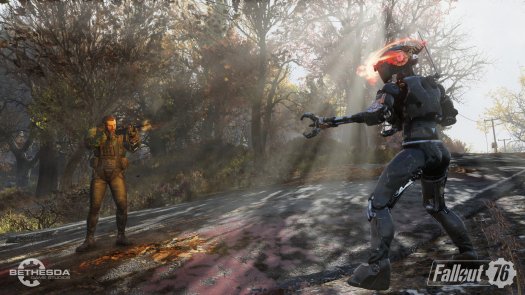
Fallout 76 launched last week and it’s safe to say it’s had a controversial reception. The game is plagued with bugs and issues, with thousands of people posting online about how poor the latest entry to the Fallout universe is. It’s not unpopular though; there’s also a huge number of players loving and enjoying the game, ourselves included. Bethesda are currently rolling out the next patch for the game with a huge download but to do so, they’ve taken down the Fallout 76 servers for maintenance. Here’s all we know about the Fallout 76 server downtime and the schedule for when the game will go back online.
We've brought #Fallout76 offline for scheduled maintenance. During this time you will be unable to log into or play Fallout 76. Please stay tuned for updates!
— Fallout (@Fallout) November 19, 2018
Bethesda hasn’t posted on their site about the downtime. Instead, there’s just this tweet: “We've brought #Fallout76 offline for scheduled maintenance. During this time you will be unable to log into or play Fallout 76. Please stay tuned for updates!” They haven’t given any inclination as to when the servers will go back online but at the time of writing, they’ve been down for over an hour, so it hopefully won’t be too much longer.
If you boot up the Bethesda launcher on PC or your respective console, you’ll be able to download the next patch during this downtime though. There’s a number of performance and bug fixes, along with specific enemy and quest fixes. A bunch of PvP problems have been solved too - keep your eyes peeled on Twin Galaxies for the full patch notes coming shortly. If you’re still getting the hang of the game and you haven’t mastered all of the mechanics yet, make sure you take a look at this guide: How to save in Fallout 76. Saving is mostly done automatically but there’s a few ways to force the game to save for you which we’ve covered here in this guide.
Header image courtesy of Bethesda.